Step 01
Add key commitments first
Start with sprint planning, review, retro, support, time off, travel, and the other commitments that will shape the sprint. Map the sprint shape. Do not rebuild your full calendar.
A practical 2-week sprint template for engineering teams. Add the few commitments that shape the sprint, then see whether enough focus time is left to execute it.
Most teams can tell when a sprint is busy.
The harder question is whether the plan still leaves room to build.
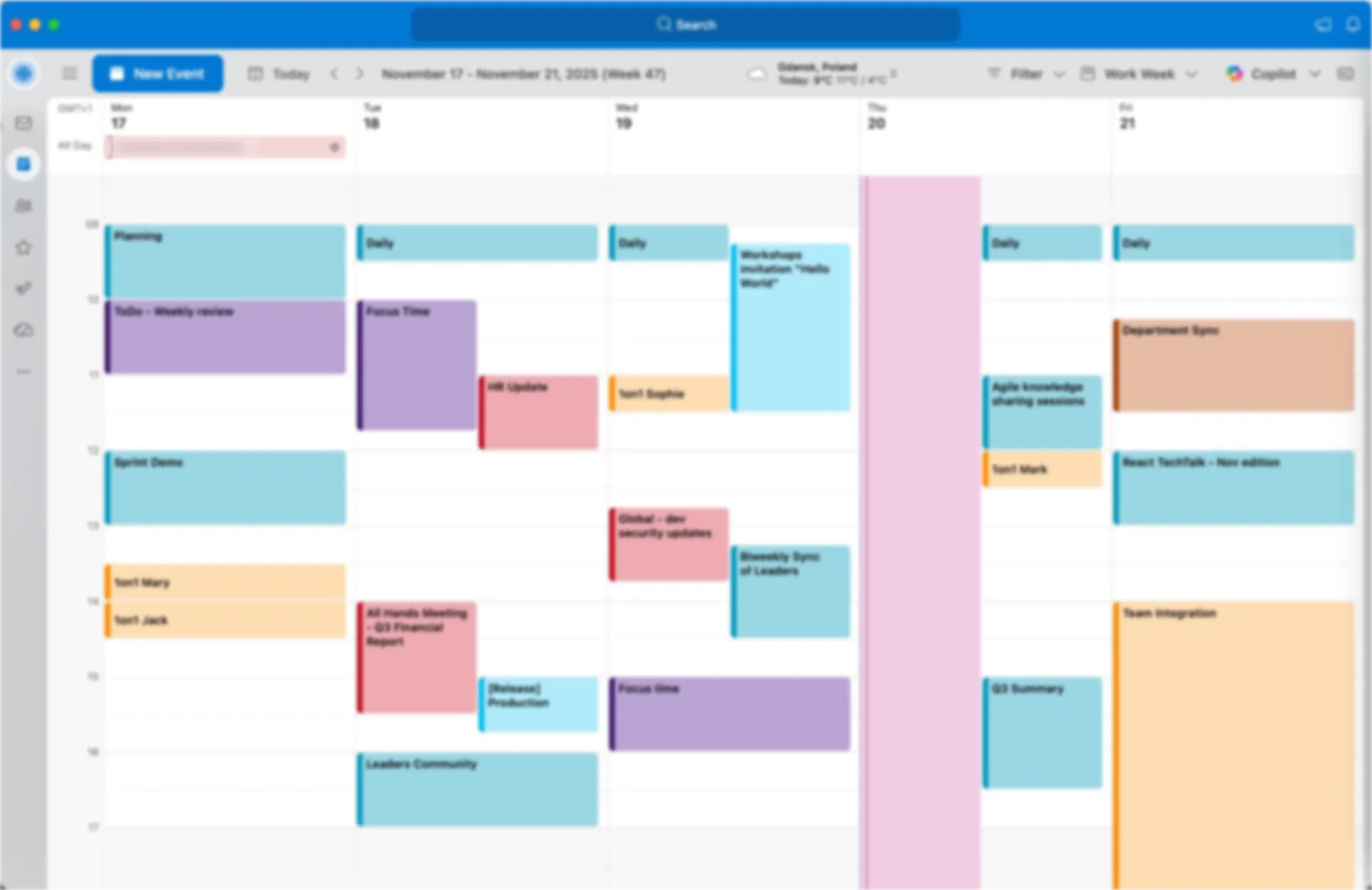
A calendar answers availability questions. It does not tell you whether the sprint still leaves room for protected focus time, whether the week is chopped into scraps, or whether the plan is already coordination-heavy before the sprint starts.
Sprint Planner is that missing view: a simple way to look at the sprint shape and ask whether a human can actually execute this plan.
How much focus time is already protected.
The blocks large enough to count as real focus sessions.
How often the sprint forces a return to focus after interruption.
How much of the plan is meetings, support, and admin.
Add sprint planning, review, retro, support windows, time off, travel, and the other key commitments that actually shape the sprint. No need to rebuild your whole calendar.
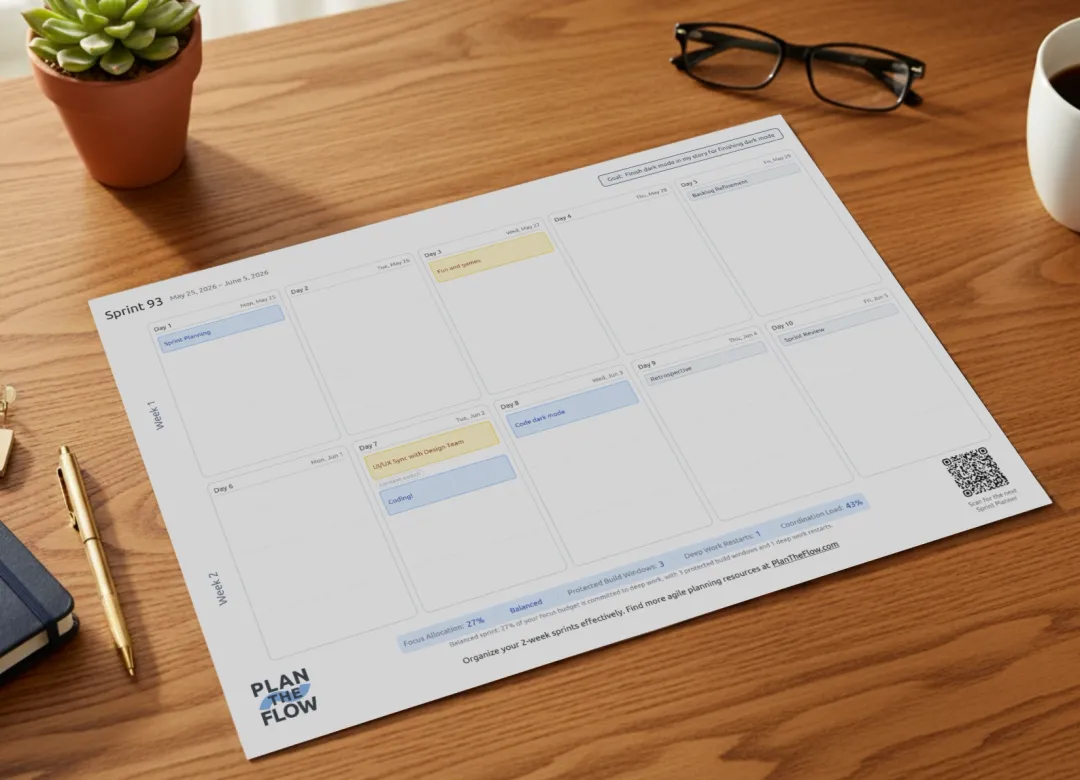
The dashboard shows Focus Allocation, Protected Build Windows, Deep Work Restarts, and Coordination Load so you can see whether the sprint still protects enough focus time before it starts. Then you can export a clean one-page PDF if a physical artifact helps your team.
The point is not to turn every open hour into deep work. The point is to protect a realistic amount of focus time and avoid a sprint shape that looks efficient on paper but breaks in practice.
Keep it rough. Add the key commitments first, then protect the focus time that still matters.
Start with sprint planning, review, retro, support, time off, travel, and the other commitments that will shape the sprint. Map the sprint shape. Do not rebuild your full calendar.
Use the dashboard to see how much focus time is protected, how many deep-work restarts the sprint forces, and how much time is going to coordination.
Add focus blocks where they make sense. If the sprint still looks too fragmented, move, combine, shorten, or cancel what you can before the sprint starts.
No install. Open the planner, add the blocks that shape the sprint, and see the focus forecast immediately.
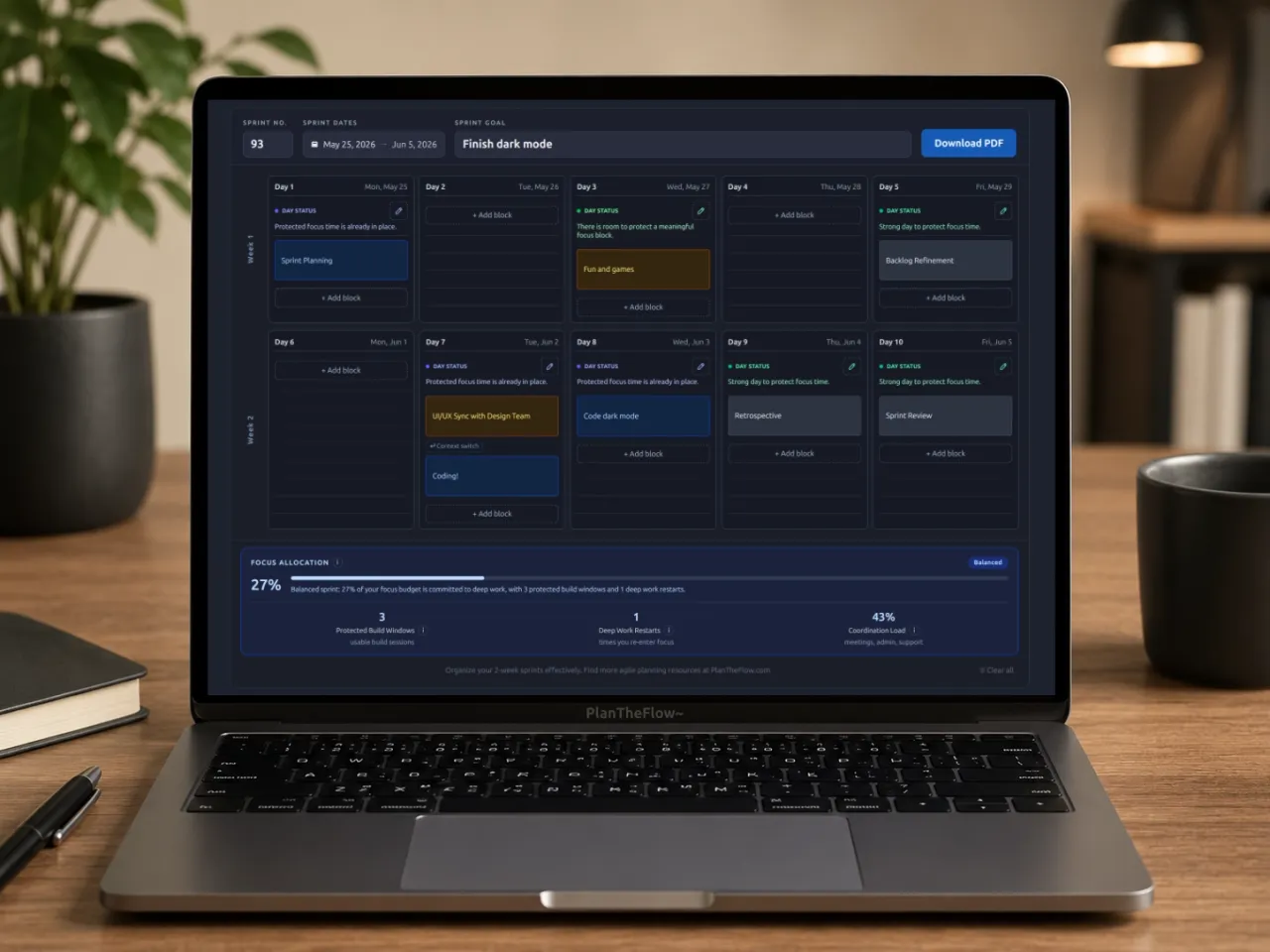
Runs locally in your browser. No account, no email gate, no server storing your sprint plan.
Export a clean one-page PDF with the sprint goal, key commitments, and space for notes.
Protect the few hours of focus time that actually matter, without pretending every open slot should become deep work.
Digital tools are good for building the sprint plan. A printed version keeps it visible.
The PDF gives you something you can glance at on your desk or near the team board without opening another tab or notification trap. It also leaves room for handwriting when you want to slow down and decide what matters today.
These are the practical questions I would ask before trusting a new planning tool too.
Yes. Pick a start date and the tool lays out a 10-working-day sprint. You can use it as a simple sprint calendar, sprint schedule, or rough sprint timeline, then add the sprint goal and the commitments that actually shape the two weeks.
Start with the key commitments that will shape the sprint: sprint planning, review, retro, support, time off, travel, and other major coordination blocks. Then look at which days still protect focus time. If the sprint looks too fragmented, move, combine, or remove what you can before it starts.
You can, but those calendars are built for availability and company-wide scheduling. Sprint Planner is narrower on purpose. It lets you focus on the blocks that matter to your team, then see whether the sprint still leaves room for protected focus time.
Most sprint calendars stop at dates and labels. Sprint Planner also gives you a dashboard with Focus Allocation, Protected Build Windows, Deep Work Restarts, and Coordination Load, so you can see how much focus time is protected and how coordination-heavy the sprint is becoming.
Add the big rocks: sprint planning, review, retro, support or on-call windows, deploy freezes, time off, travel, and other key commitments. You do not need to recreate every small meeting.
That is the moment when the tool becomes useful. Look for blocks you can move, combine, shorten, or cancel before the sprint starts. If the plan keeps forcing deep work into tiny scraps between meetings, the answer is usually not to try harder. It is to change the sprint shape while you still can.
Yes. You can export a clean one-page PDF with the sprint goal, key commitments, and notes. I think of that as a useful artifact for a desk, wall, or team board, not the whole point of the tool.
No sign-up is required. The plan is stored in your browser using local storage so you can come back and reuse the structure next sprint. I am not asking for an email before you can try it.
No account. No signup funnel. Just a quick way to see when a sprint looks fine on paper but leaves too little focus time to execute.
Open Sprint Planner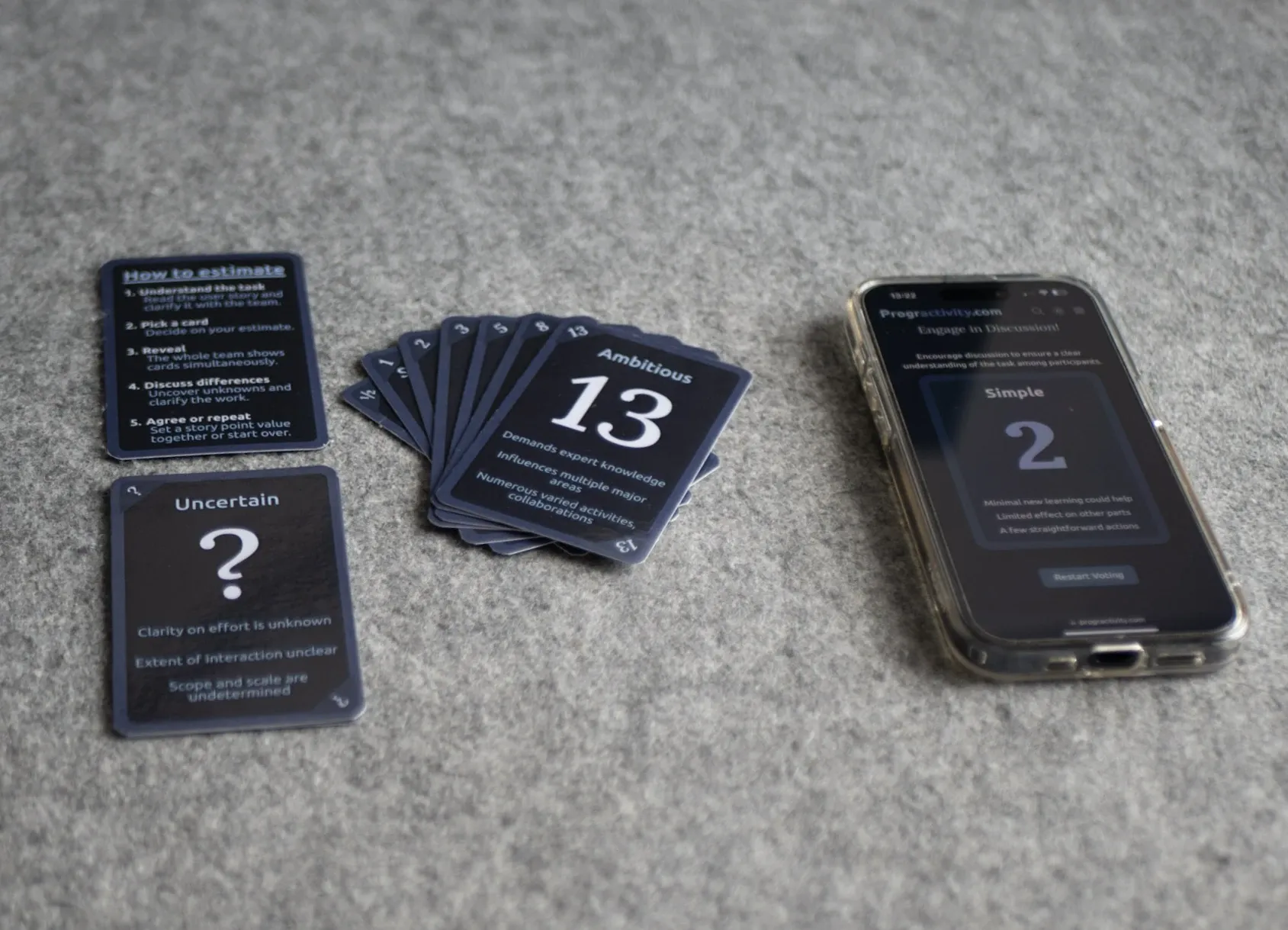 Tool
ToolUse these before sprint planning when the team needs a simple way to estimate without turning refinement into theater.
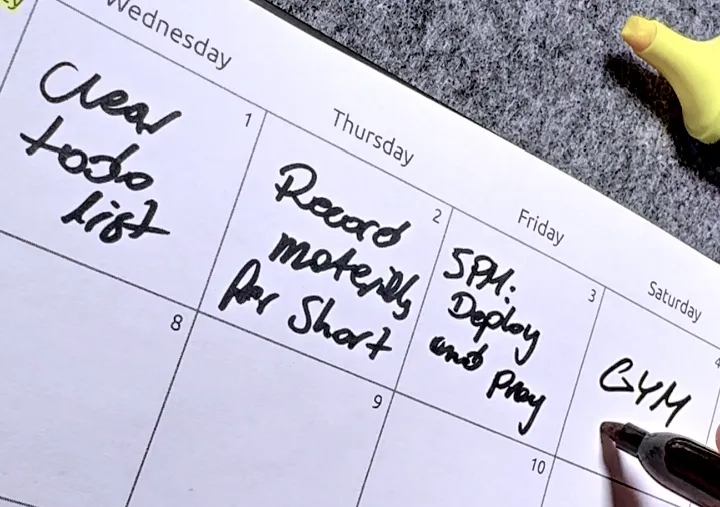 Tool
ToolUse this when you want a lighter daily planning layer after the sprint shape is already set.
 Template
A practical guide for making stand-ups useful without adding more meeting fatigue to the week.